Add New Models
RAGenius allows you to add new models to your account. You can add models from the OpenAI API or from your own custom models.Add a Model
To add a new model, follow these steps:1
Go to supabase
Go to the Supabase dashboard.
2
Select the table models
Select the table 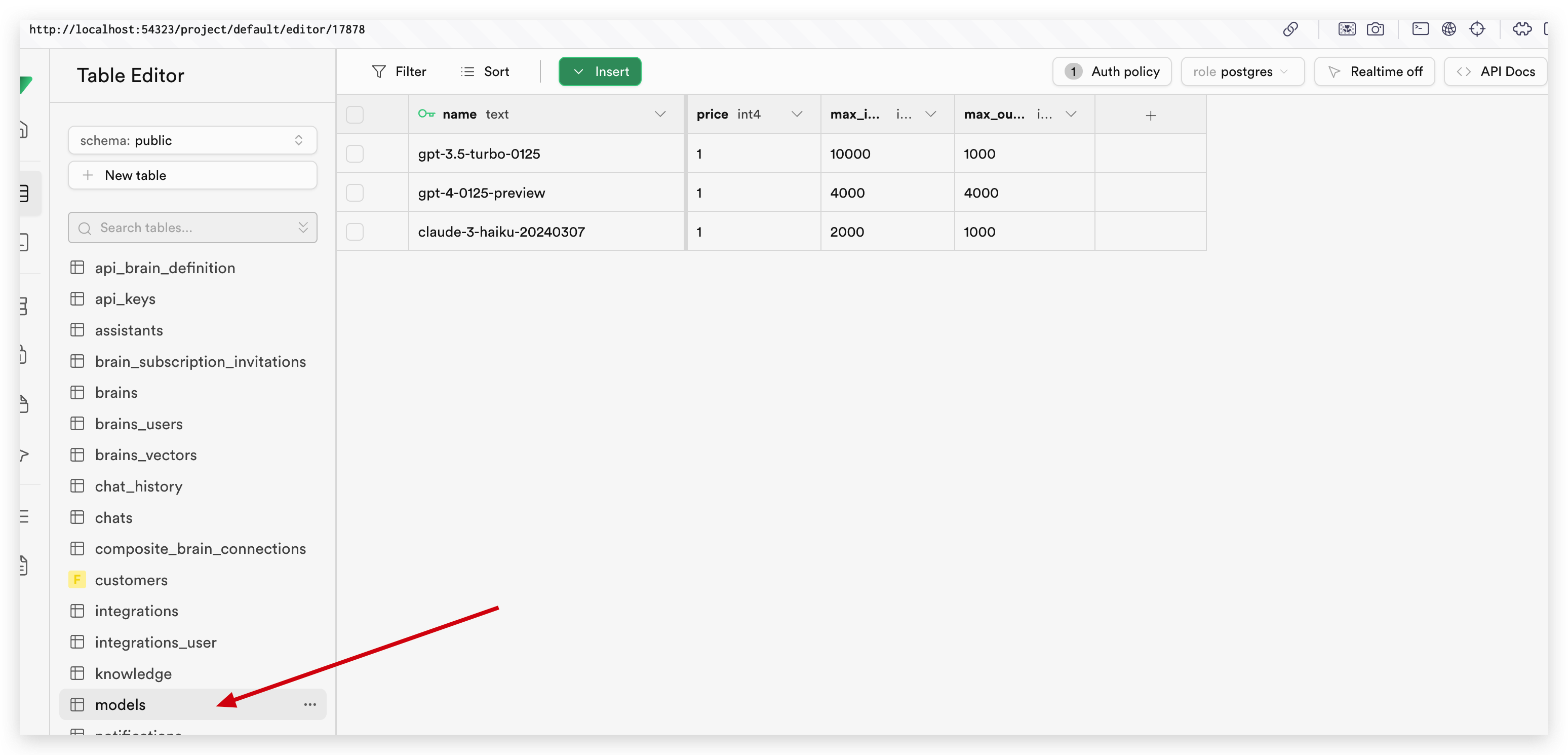
models.
3
Add a new model
Click on the “Add new row” button.
4
Fill in the form
Fill in the form with the model’s name, maximum tokens, and other details.
5
Go to the user_settings table
Go to the
user_settings table.6
Add the model to the user settings
Add the model to the user settings by updating the 
models field.
7
Input the model's name
Input the model’s name in the 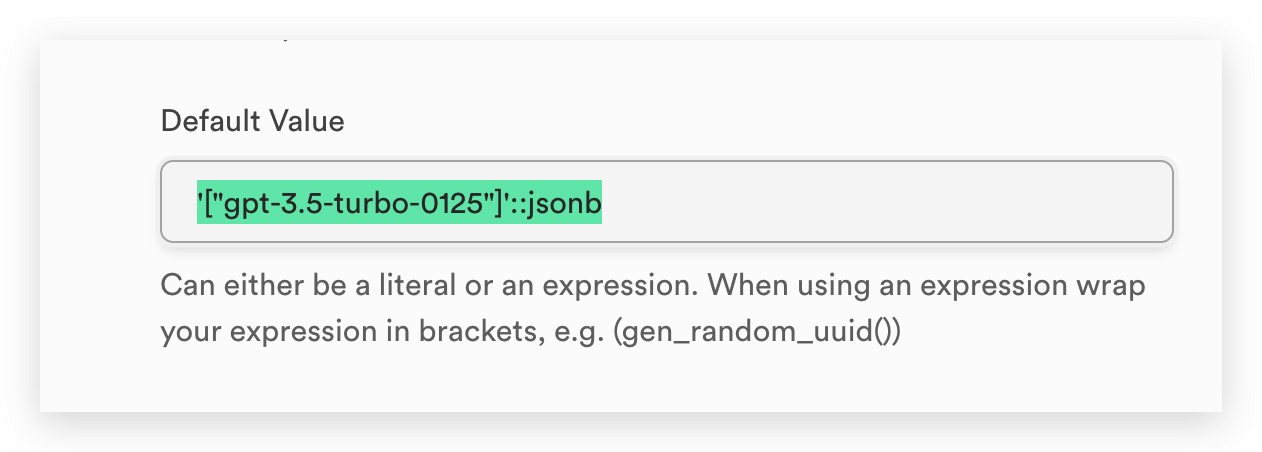
models array default value.
8
Update existing user settings
Update the existing user settings with the new model.